Comparison · Payment providers
Best Shopify Analytics Apps for Small Stores
Shopify's built-in reports, GA4, ad attribution suites and DataFair compared for small stores that want to know which channels bring orders.
· 3 min read

Shopify stores have more analytics options than they need. The right one depends on a simple question: where does your traffic come from, and how much do you spend on ads? Here is how the main options compare for a small store.
Shopify's built-in analytics
Best for: every store, as the starting point.
Shopify's own reports cover sales, orders, products, customers and sessions, including where sessions came from and which marketing channels are credited with sales. Because Shopify runs both the store and the checkout, it sees every order. How much detail you get depends on your Shopify plan.
Limits: it's built around Shopify's own view of a session. If people find you on a separate blog, a landing page on another domain or a content site, that part of the journey is often lost. Many owners also find the referrer data hard to act on.
Google Analytics 4
Best for: stores that run Google Ads and want conversions sent back to Google.
Free, and connected through Shopify's Google channel app. Strong for ad optimisation. Weaker for a quick answer to "which channel made money last month?", and purchase tracking depends on consent and on the tags firing. Why GA4 often under-reports revenue.
Ad attribution suites
Best for: stores spending heavily on Meta, Google and TikTok ads.
Tools such as Triple Whale and Polar Analytics pull ad spend, store data and pixels together to estimate return on ad spend across platforms. They're powerful and priced for stores where ad budgets are the main cost. For a store that grows mostly through content, search and social posts, they can be more than you need. Check their pricing pages for current plans.
DataFair
Best for: small stores and brands that grow through content, search, newsletters and social, and want revenue next to every source and page.
- Revenue by channel, referrer, campaign, landing page and country, from Shopify's
orders/paidwebhook - Revenue next to your blog and landing pages, not just store pages
- Refunds and disputes taken off the source that earned the order
- Privacy-friendly, with a cookieless mode
- From $5.99 a month at launch, with prices that fall for every customer as more organizations join
Limits: no ad spend import or ROAS modelling. Orders match by email unless you add the visitor id as a cart attribute, which is a small theme change.
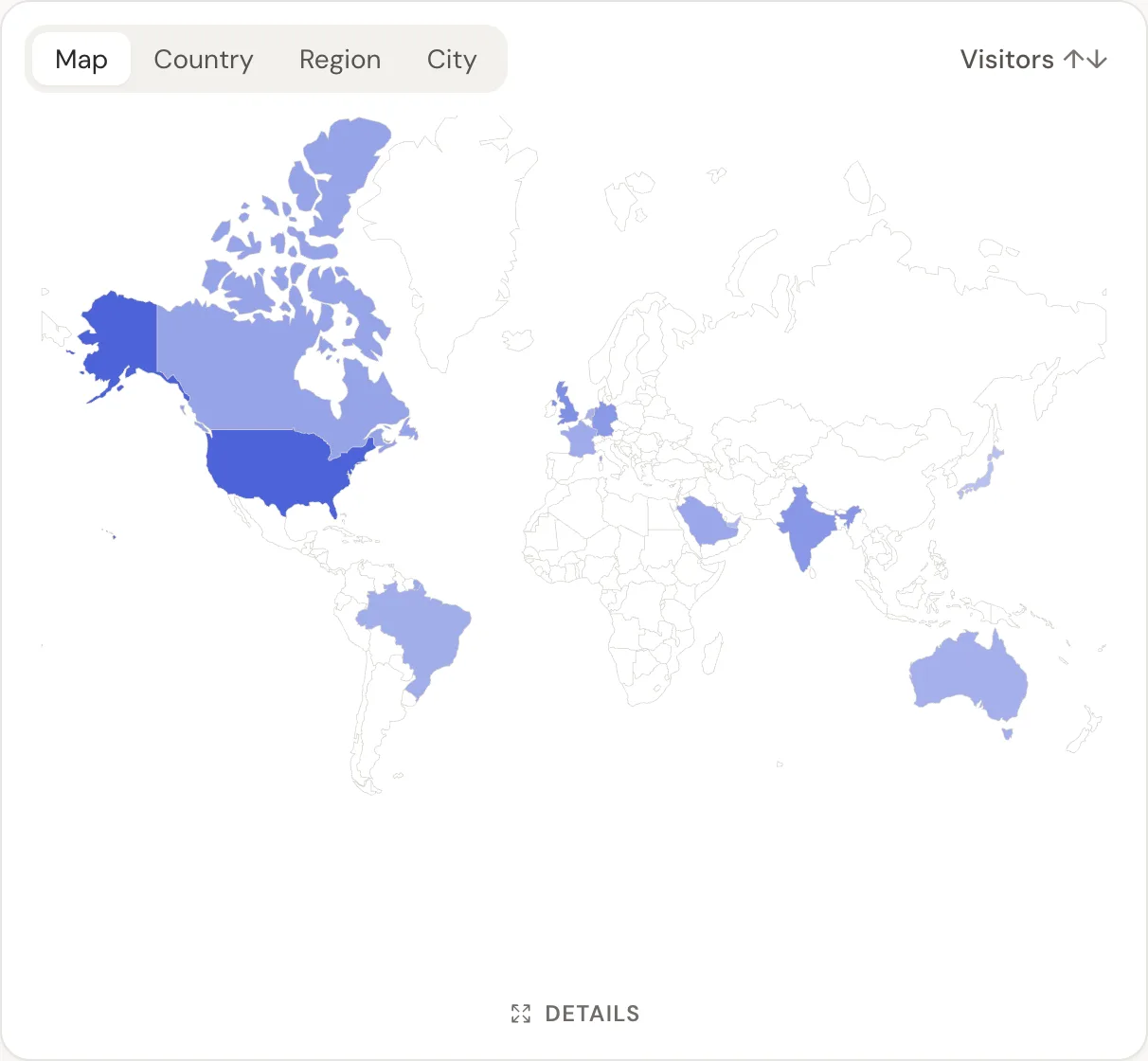
Quick comparison
| Shopify reports | GA4 | Ad attribution suites | DataFair | |
|---|---|---|---|---|
| Sees every Shopify order | Yes | When tags fire | Yes | Yes, by webhook |
| Revenue by traffic source | Yes | Yes | Yes | Yes |
| Ad spend and ROAS | Limited | Google Ads | Yes | No |
| Cost | Included | Free | Higher | From $5.99 a month |
Which should you pick?
- Under a few hundred orders a month, mostly organic: Shopify's reports plus DataFair to see which posts, searches and newsletters sell.
- Running Google Ads: keep GA4 for the ads side.
- Ad spend is your biggest cost: an ad attribution suite earns its price.
How to calculate revenue per visitor shows how to compare channels once revenue has a source.
Related guide: Shopify revenue attribution.
Questions
- Does Shopify show which channel brought a sale?
- Yes, Shopify reports credit sales to marketing channels. A separate tool helps when you want revenue next to every source, campaign and content page in one simple view.
- How does DataFair match Shopify orders?
- By the visitor id when you save it as a cart attribute, which gives a direct match. Otherwise by the customer's email, matched to a visitor who identified with the same email.
- Is DataFair a Shopify app?
- No. You add the script to your theme and a webhook in Shopify's notification settings. No app install is needed.