Guide · Website builders
Framer Analytics: Built-In Stats and How to Track Revenue
Framer sites include basic analytics. For goals, campaigns and revenue by source, add a script in custom code. Here is how, and what each option shows.
· 3 min read
Framer is a favourite for startup landing pages, and every published Framer site comes with analytics you can open from the Analytics tab. For a lot of sites that's enough. When you need goals, campaigns or revenue, you add a dedicated tool through custom code.
Framer's built-in analytics
After publishing, Framer shows visits, pages and traffic sources for your site. Framer's own lessons note that more advanced tracking, such as detailed click events or custom conversions, usually means integrating an external analytics tool.
Good for: a quick sense of traffic on a marketing site.
Adding another analytics tool
Framer offers two routes:
- Google Analytics field. Paste a GA4 Measurement ID in your site settings.
- Custom code. In Site Settings → General → Custom Code, paste a script into the head section. Custom head code is output on sites with a paid site plan, and it runs only on the published site, not in the editor or preview.
For DataFair:
<script defer data-website-id="YOUR_WEBSITE_ID" src="https://datafair.dev/js/script.js"></script>Publish, open the live site once, and check that your visit appears in DataFair's live view.
What to track on a Framer site
- Sign-up and demo buttons as goals. Outbound clicks to your app or checkout are recorded automatically.
- Campaigns. Tag links in launches, newsletters and ads. UTM best practices.
- Revenue. If your Framer site links to a Stripe Payment Link, Lemon Squeezy, Gumroad, Creem or Dodo Payments checkout, the DataFair script tags those links with the visitor's id, so each payment is credited to the source that brought the buyer. Stripe Payment Links explains the details.
Framer site and separate app
Common setup: marketing site on Framer, product on a subdomain such as app.example.com. Add the DataFair script to both and set data-domain to your main domain, so the visitor id is shared across subdomains and a visitor who lands on Framer and pays inside your app keeps their original source. Then pass the visitor id into checkout as described in the Stripe metadata guide.
Built-in vs DataFair
| Framer built-in | DataFair | |
|---|---|---|
| Visits, pages, sources | Yes | Yes |
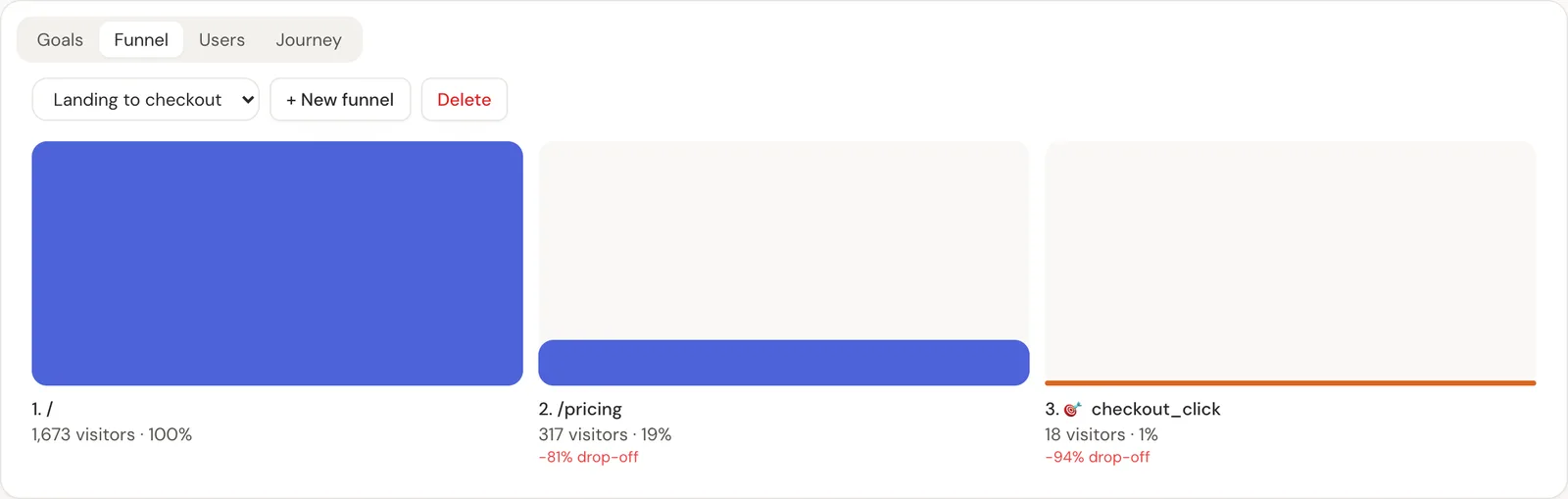
| Goals and funnels | Limited | Yes |
| UTM campaigns with revenue | No | Yes |
| Revenue from payment providers | No | Yes, 11 providers |
| AI crawler tracking | No | Yes, from your server |
Related guide: Revenue analytics: measure what pays, not just what visits.
Questions
- Does Framer have analytics?
- Yes. Published Framer sites include analytics in the Analytics tab. For goals, campaigns and revenue, add an external tool.
- Where do I add an analytics script in Framer?
- In Site Settings, General, Custom Code, in the head section. Custom code needs a paid site plan and runs on the published site.
- Can I track a Framer site and my app together?
- Yes, when the app is on a subdomain of the same domain. Set data-domain on both scripts and pass the visitor id into your checkout.