Feature · Payment providers
Gumroad Analytics: Which Posts and Links Sell Your Product
Gumroad shows views and sales on Gumroad. Connect it to DataFair to see which pages, posts and channels on your own site lead to each sale.
· 3 min read
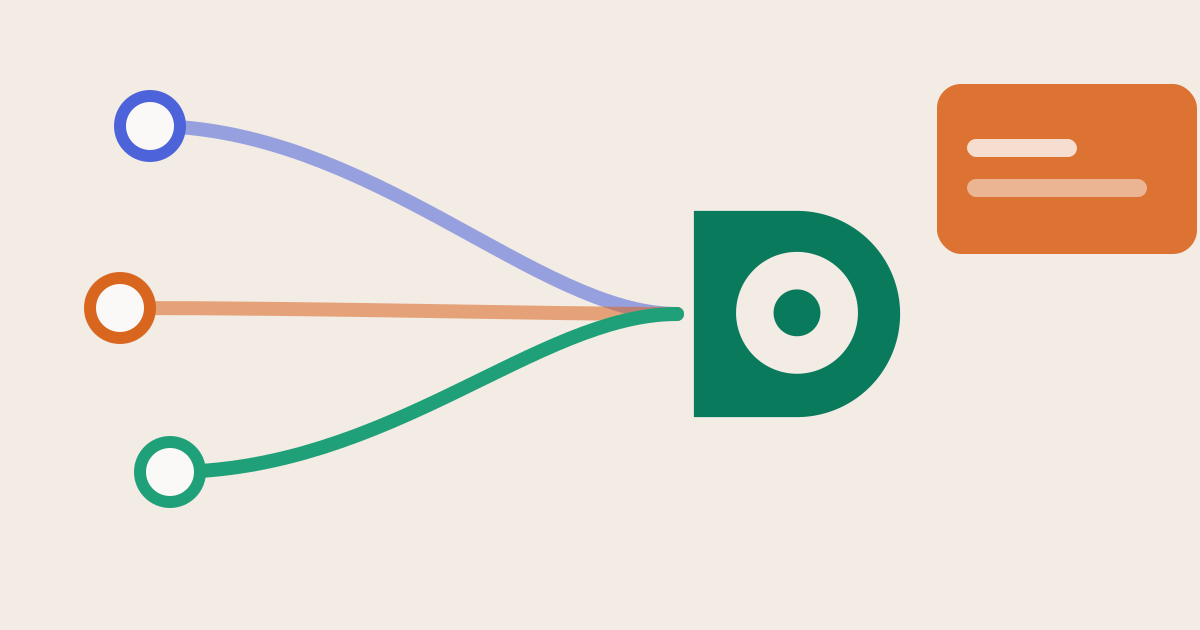
Gumroad is the fastest way to sell an ebook, a template or a course. Its analytics covers what happens on Gumroad: product page views, sales and conversion. If your buyers first land on your own website (a blog post, a free tool, a landing page), that part of the journey is outside Gumroad's view.
The question Gumroad can't answer
"Which of my blog posts sells the most copies?" Gumroad sees the click arriving on your product page. It doesn't see the article the buyer read, the newsletter that sent them to it, or the Google search before that.
How DataFair connects the two
Gumroad passes URL parameters from the product link back in its sale notifications as url_params. DataFair uses that:
- 1Visitor reads your postDataFair records the source and the page
- 2Visitor clicks a gumroad.com/l/ linkThe script has added their visitor id to the link
- 3SaleGumroad pings DataFair with the sale and url_params
- 4ReportRevenue appears under the source, campaign and landing page
Product links on your site are tagged automatically by the script. Nothing to change in your posts.
Set it up
- Add the DataFair script to your site.
- In DataFair, open Integrations, pick Gumroad and copy the ping URL.
- In Gumroad's settings, paste it as the ping URL, turn on signing for pings, and copy the signing secret into DataFair. DataFair refuses unsigned pings.
Gumroad sends every sale and refund to the ping URL, so there are no events to choose.
What you learn
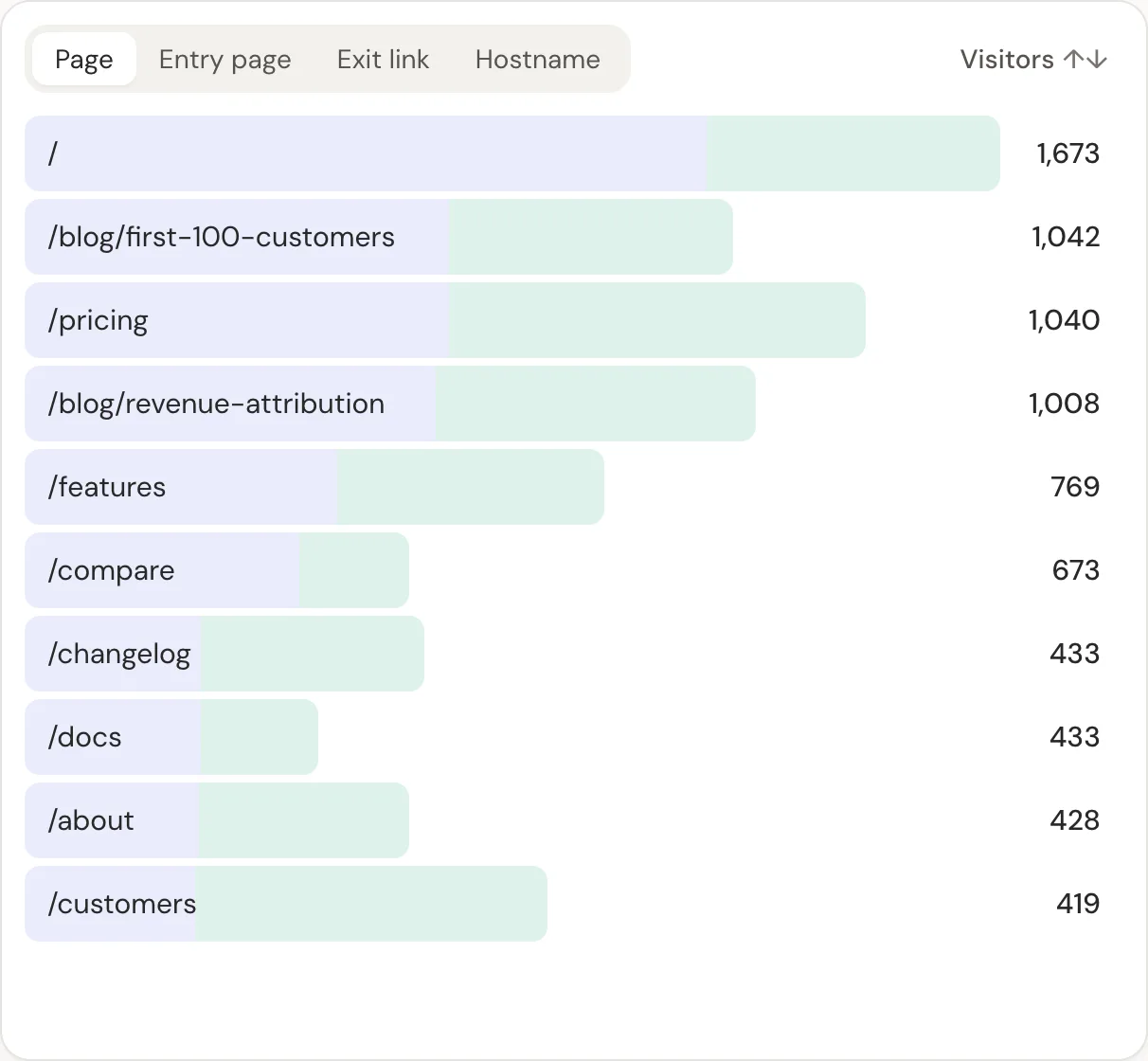
- Which landing pages lead to sales, so you know which posts to write more of
- Which sources bring buyers: search, X, YouTube, newsletters, AI assistants
- Revenue per visitor for each channel
- Refunds taken off the source that earned the sale
Tag links you share elsewhere
When you post a link to your site on X or in a newsletter, add UTM parameters so those visits keep their source. If tagged visits still show as direct, check these causes.
Related guide: Gumroad revenue attribution.
Questions
- Does Gumroad have referrer analytics?
- Gumroad reports activity on Gumroad itself. To see the pages and channels on your own website that lead to a sale, you need analytics on your site joined to Gumroad's sales.
- Do I have to edit every Gumroad link?
- No. The DataFair script tags gumroad.com/l/ links on your pages automatically.
- Does it work with Gumroad memberships?
- Each payment Gumroad sends, including recurring ones, is recorded and credited to the source.