Guide · UTM tracking
How to Add UTM Parameters to Facebook and Instagram Ads
Set up UTM parameters in Meta Ads Manager with dynamic values for campaign, ad set, ad and placement, so every Facebook and Instagram click keeps its source.
· 3 min read
Facebook and Instagram ads send clicks from apps that often don't pass a useful referrer. Without UTM parameters, a chunk of your ad traffic lands in "direct" or a vague "facebook.com", and you can't tell which ad paid off. Meta's dynamic parameters fix that in a few minutes.
Where to add them
In Meta Ads Manager, at the ad level:
- Open the ad and scroll to Tracking.
- Find URL parameters and click Build a URL parameter, or paste your own string.
- Publish. The parameters are added to the destination URL on every click.
Add them to every ad, or duplicate a correctly tagged ad when you create new ones.
A parameter string to copy
utm_source={{site_source_name}}&utm_medium=paid-social&utm_campaign={{campaign.name}}&utm_content={{ad.name}}&utm_term={{adset.name}}Meta replaces the values in {{ }} when someone clicks:
| Dynamic parameter | Becomes |
|---|---|
{{site_source_name}} | Where the ad ran: fb, ig, msg (Messenger) or an (Audience Network) |
{{campaign.name}} | Your campaign's name |
{{adset.name}} | Your ad set's name |
{{ad.name}} | Your ad's name |
{{placement}} | The placement, such as feed or stories |
Using {{site_source_name}} as the source separates Facebook from Instagram automatically, which is usually what you want to know first.
Name things so reports stay readable
Dynamic names are only as clean as the names in Ads Manager. Use lowercase with hyphens for campaigns, ad sets and ads (2026-11-retargeting, not Retargeting Campaign (copy 3)). UTM best practices has a full convention.
Check it works
- Open the ad's preview and click through, or use the shareable preview link.
- Confirm the landing URL contains the filled-in parameters.
- Check your analytics live view: the visit should show the source and campaign within a minute.
If parameters vanish, a redirect on your site may be dropping them. The checklist covers it.
From clicks to revenue
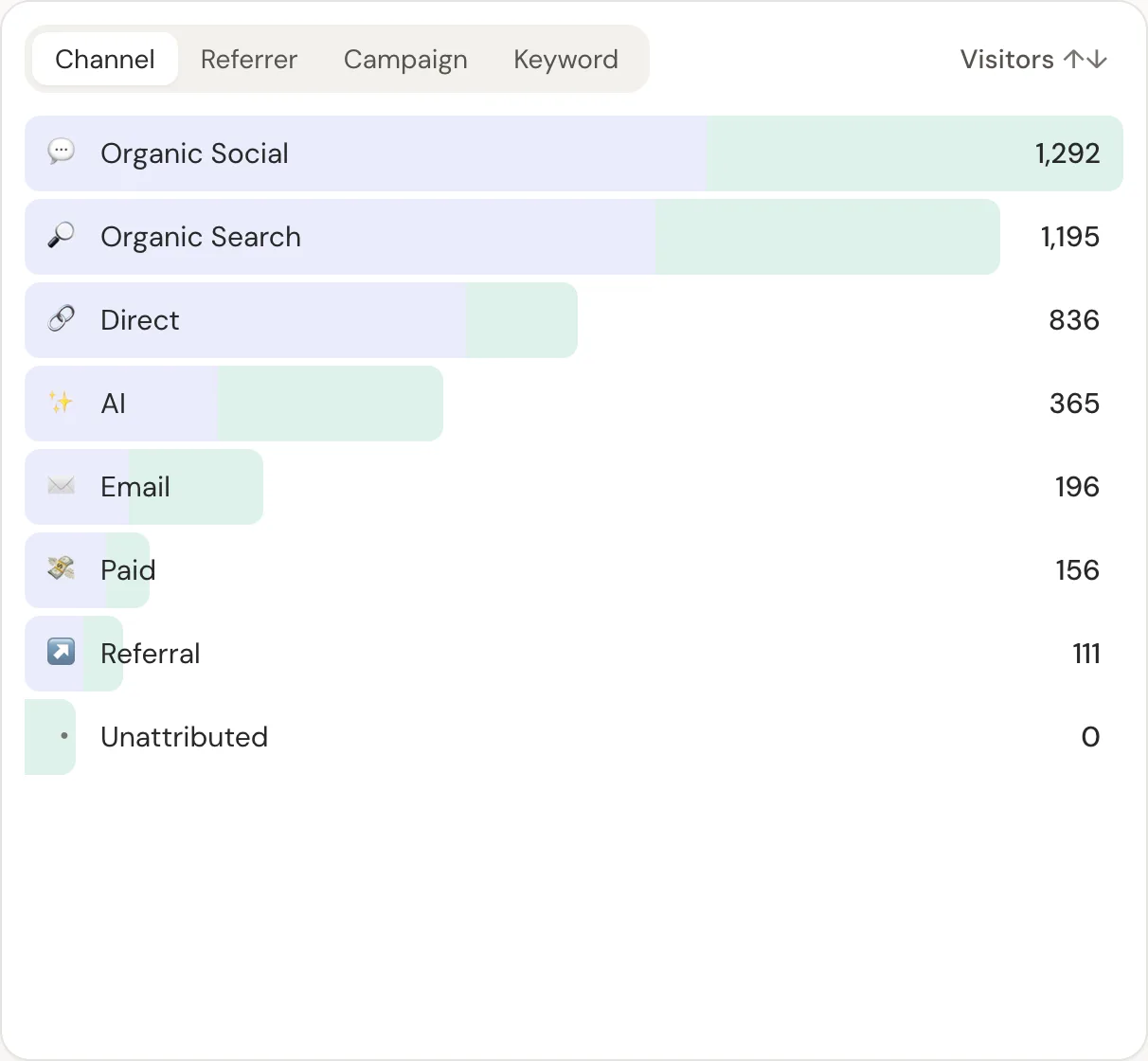
Meta reports conversions from its pixel, with its own attribution windows. Your payment provider knows what actually sold. Revenue attribution joins your real payments to the tagged visits, so you can compare ads on revenue per visitor rather than platform-reported conversions.
In DataFair, the campaign and content values appear in the campaign report with revenue next to each. Payments come from your provider's webhook, so iOS privacy limits and blocked pixels don't remove them.
Related guide: Revenue attribution for every payment provider.
Questions
- Do Facebook ads add UTM parameters automatically?
- Meta adds its own click id (fbclid) to links, but not UTM parameters. You add those in the ad's URL parameters field.
- How do I separate Facebook and Instagram traffic?
- Use {{site_source_name}} as utm_source. It becomes fb for Facebook and ig for Instagram.
- Why does Meta report more conversions than my analytics?
- Meta counts conversions within its attribution windows, including views and clicks across devices it can link. Your analytics and payment data count actual visits and payments. Expect them to differ.