Guide · UTM tracking
How to Add UTM Parameters to Google Ads
Use a final URL suffix with ValueTrack parameters to tag every Google Ads click, keep auto-tagging on, and see which campaigns bring revenue.
· 3 min read
Google Ads tags clicks with its own id, gclid, which Google Analytics understands. Most other analytics tools don't. If you use anything besides GA4 (or alongside it), add UTM parameters so every tool knows which campaign sent the click.
Keep auto-tagging on
Auto-tagging (the gclid) powers conversion tracking and GA4 integration. Leave it on. UTM parameters can live alongside it.
Use a final URL suffix
The cleanest place for UTM parameters is the Final URL suffix, set at account, campaign or ad group level. It's appended to every final URL without changing the URLs themselves.
- In Google Ads, open Admin → Account settings (or a campaign's settings).
- Find Tracking and Final URL suffix.
- Paste your parameters and save.
A suffix to copy
utm_source=google&utm_medium=cpc&utm_campaign={campaignid}&utm_term={keyword}&utm_content={creative}The values in { } are ValueTrack parameters, filled in on each click:
| ValueTrack parameter | Becomes |
|---|---|
{campaignid} | The campaign's id |
{adgroupid} | The ad group's id |
{keyword} | The keyword that matched (search campaigns) |
{matchtype} | e for exact, p for phrase, b for broad |
{creative} | The ad's id |
{network} | g for Google search, s for search partners, d for display |
{device} | m for mobile, t for tablet, c for computer |
Ids are stable but not readable. For readable names, add a custom parameter per campaign, such as {_campaign} set to brand-search, and use utm_campaign={_campaign} in the suffix.
Check it works
Use Preview on an ad or the URL options' Test button, then confirm the landing URL contains the filled-in values. Visit through the URL in a private window and check your analytics live view.
If the parameters disappear on your site, a redirect may be dropping them. See the checklist.
From clicks to revenue
Google Ads reports conversions based on its tag and attribution settings. For a second opinion based on real payments, join your payment provider's data to the tagged visits. Why GA4 often under-counts revenue explains the gaps.
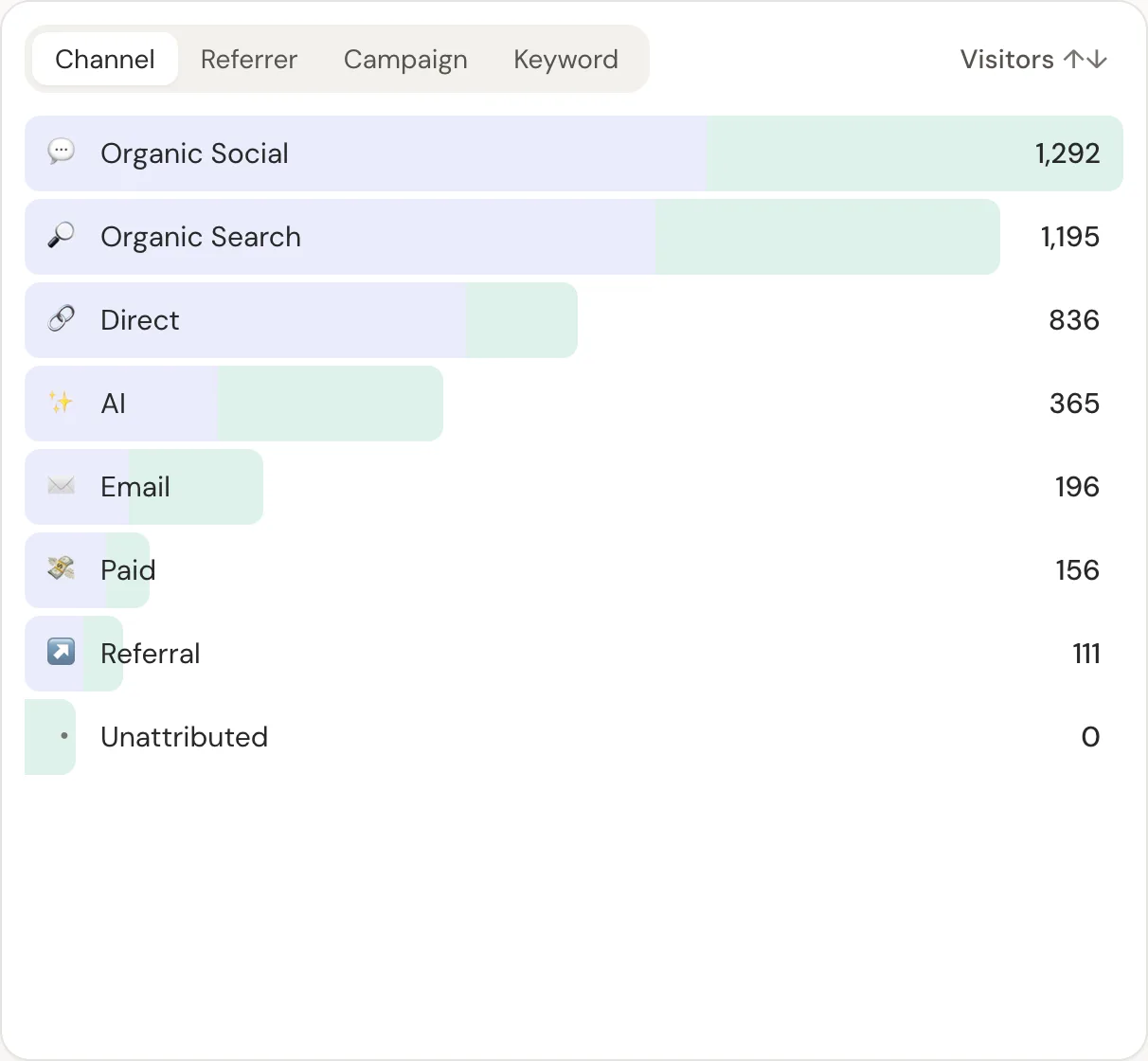
In DataFair, Google Ads traffic shows in the paid channel with campaign and keyword values, and revenue next to each from your provider's webhooks. Compare campaigns by revenue per visitor, not clicks.
Related guide: Revenue attribution for every payment provider.
Questions
- Should I turn off auto-tagging if I use UTM parameters?
- No. Keep auto-tagging for Google's own conversion tracking, and add UTM parameters for other tools.
- Where do I put UTM parameters in Google Ads?
- In the Final URL suffix at account, campaign or ad group level. It's applied to every final URL.
- Can I use the campaign name in UTM parameters?
- Use a custom parameter such as {_campaign} set per campaign, because campaign ids are what ValueTrack provides reliably.