Guide · Website builders
Lovable Analytics: What's Built In and How to Add Revenue
Lovable apps include cookie-free analytics for visits, pages and referrers. To see which visitors pay, add a script to index.html and connect payments.
· 3 min read
Lovable makes it possible to go from idea to live app in an afternoon. The next question is always the same: is anyone using it, and is anyone paying? Lovable answers the first part out of the box.
What Lovable's built-in analytics shows
According to Lovable's documentation, analytics starts automatically when you publish. It records the pages people view, referrers, location, browser and device, keeps detailed visit data for 90 days, and sets no cookies. The script and the address it reports to are on your app's own domain.
Good for: seeing whether your launch brought visitors, and from where.
What it doesn't show
- Which visitors paid, and how much
- Revenue by source, campaign or landing page
- Goals and funnels for signups and checkout steps
That's the gap between "people visited" and "this channel makes money".
Add a revenue analytics script
Lovable projects are web apps with an index.html. Add the analytics script to its <head>, not inside a React component, so it loads before your app mounts:
<script defer data-website-id="YOUR_WEBSITE_ID" src="https://datafair.dev/js/script.js"></script>You can ask Lovable's AI to add it for you: "Add this script to the head of index.html". Republish, then open your live app once and check that the visit appears in DataFair's live view. Client-side route changes are counted as pageviews.
Connect payments
Most Lovable apps take payments through Stripe. Two cases:
- Stripe Payment Links: the DataFair script tags them with the visitor's id automatically. Nothing else to do.
- Stripe Checkout created by a backend function: send
window.datafair.attribution()from the browser and put the ids in the session's metadata. The metadata guide has the code to paste into your prompt.
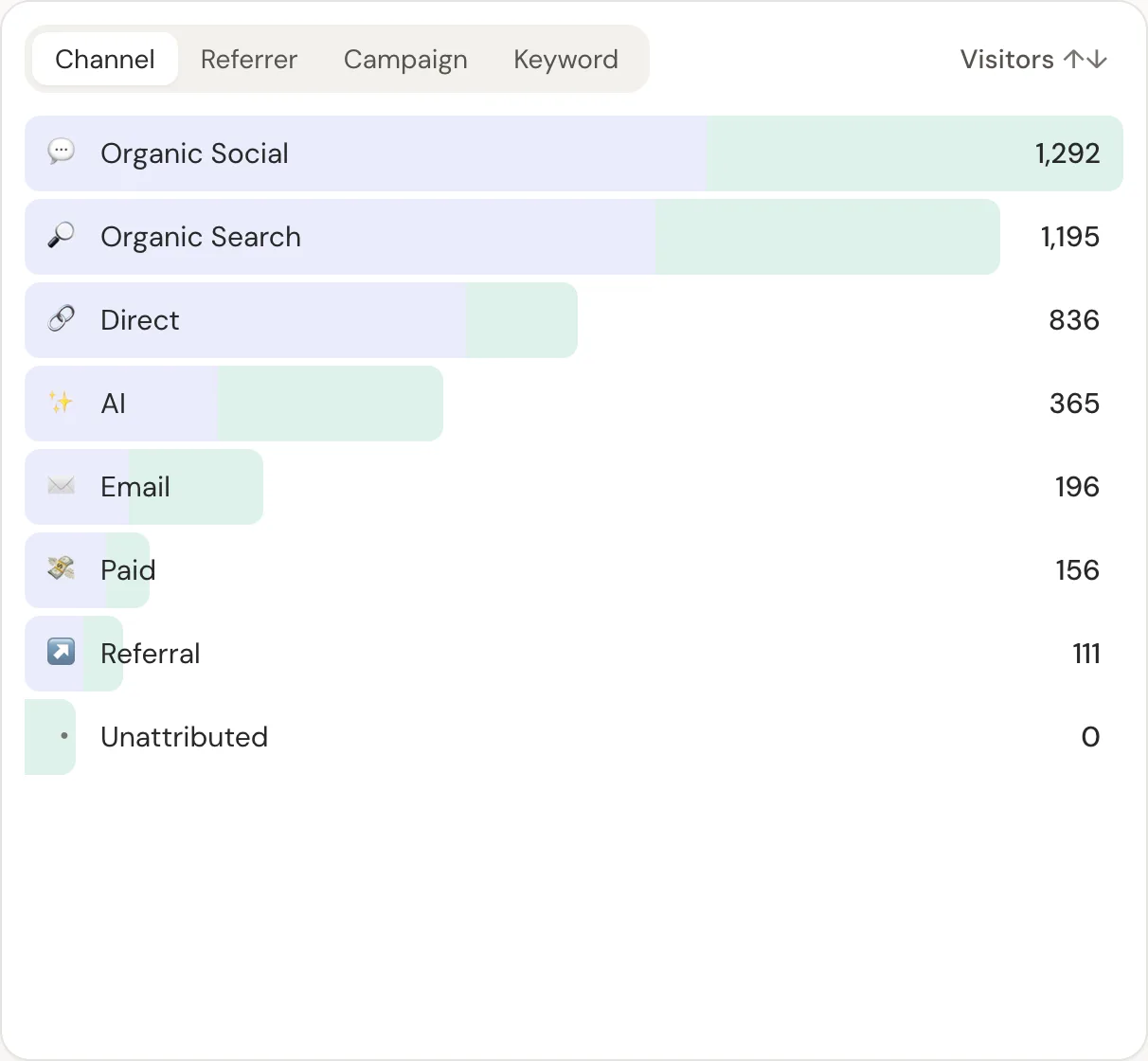
Then add the Stripe webhook in DataFair. Each payment is credited to the source that brought the buyer: X, Product Hunt, Reddit, a newsletter or an AI assistant.
- 1Visitor opens your appDataFair records the source
- 2Clicks upgradeThe visitor id travels to Stripe
- 3Stripe webhookDataFair matches the payment
- 4ReportRevenue by channel, page and campaign
Building in Next.js instead? See the best analytics for Next.js.
Related guide: Revenue analytics: measure what pays, not just what visits.
Questions
- Does Lovable have analytics?
- Yes. Lovable's built-in analytics records visits, pages, referrers, location, browser and device for published apps, without cookies.
- Can I add Google Analytics or another tool to Lovable?
- Yes. Add the tool's script to the head of index.html and republish.
- Can I keep Lovable's analytics and add DataFair?
- They're separate scripts. Check Lovable's documentation for any interaction, then compare both for a few days.