Guide · Revenue attribution
Revenue by Country: Find the Markets That Actually Pay
Visitor maps show where attention comes from. Revenue by country shows where customers are. How to measure it, read it, and act on pricing and localisation.
· 3 min read

Most analytics tools show a world map of visitors. It's pleasant to look at and misleading for decisions. A country that sends a fifth of your traffic may send almost none of your revenue, and a small market may quietly pay the bills. Revenue by country tells you which is which.
Visitors by country vs revenue by country
| Country | Share of visitors | Share of revenue | Revenue per visitor vs average |
|---|---|---|---|
| United States | 30% | 46% | 1.5× |
| India | 22% | 4% | 0.2× |
| Germany | 7% | 12% | 1.7× |
| Brazil | 6% | 2% | 0.3× |
*Example numbers, to show the method.*
The table changes decisions: Germany deserves a localised landing page long before the bigger-traffic countries do.
How to measure it
You need two things joined: the country of each visit, and each payment attributed to a visit.
- Country of the visit comes from your analytics, usually from the IP address at the time of the visit. Privacy-friendly tools work out the country and then discard the IP address.
- The payment comes from your provider's webhook, matched to the visit. How attribution works.
Your payment provider also knows the buyer's billing country. That's useful, but it's a different question: where the card is from, not where your marketing reached them.
What to do with it
Pricing. If high-traffic countries convert poorly, purchasing power may be the reason. Regional pricing or discounts can turn that traffic into customers. Then check whether revenue per visitor improves.
Localisation. Translate for the markets with high revenue per visitor first. They already like you.
Channels. Combine country with source. "Google from Germany" and "Google from India" are different channels in practice.
Payment methods. A country with strong traffic and weak revenue may be missing a local payment method at checkout.
Use revenue per visitor, not totals
Big countries always lead on total revenue. To compare markets fairly, use revenue per visitor by country against your site average.
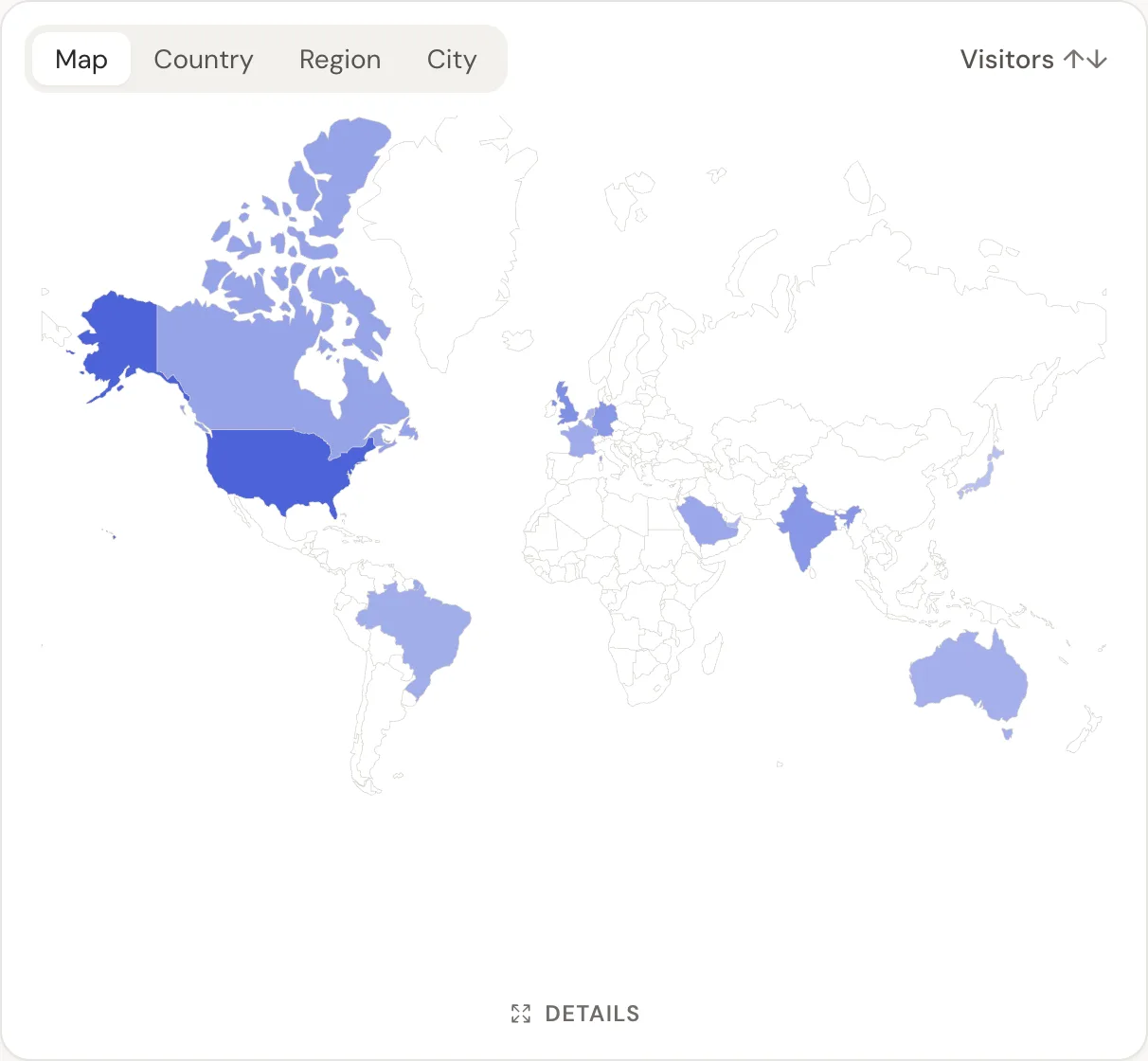
In DataFair, the country report shows visitors and revenue side by side, with region and city one click away, and the map view in the live dashboard. Filtering by country also filters every other report, so "sources for Germany" is two clicks. More on building a revenue dashboard that answers questions.
Related guide: Revenue analytics: measure what pays, not just what visits.
Questions
- How do I see revenue by country in Stripe?
- Stripe can break payments down by the card's country. That tells you where buyers' cards are issued, not which marketing reached which country.
- Is country detection accurate?
- At country level, IP-based detection is accurate for most visitors. VPNs and some mobile networks can place visitors in the wrong country.
- Does DataFair store IP addresses to detect the country?
- No. The country is worked out when the event arrives, and the IP address isn't stored.